How Smoothy works
Smoothy makes managing bills and saving money easy. Our super simple budgeting app uses secure bank feeds to build a personalised plan that’s always up to date — and only takes 5 mins to set up.
Updated 27th Oct 2026
Bank transactions are messy and meaningless. Smoothy turns them into a personalised money management plan that’s always up to date, and you don’t need a maths degree to understand.
In the time it takes to make a cup of tea, Smoothy helps you:
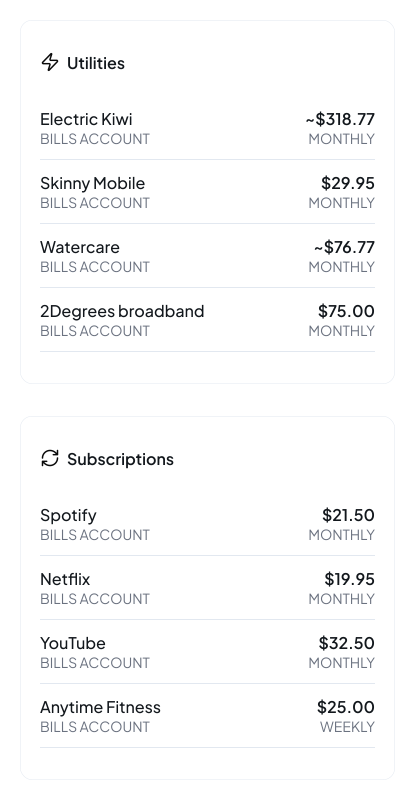
- Detect recurring bills and subscriptions
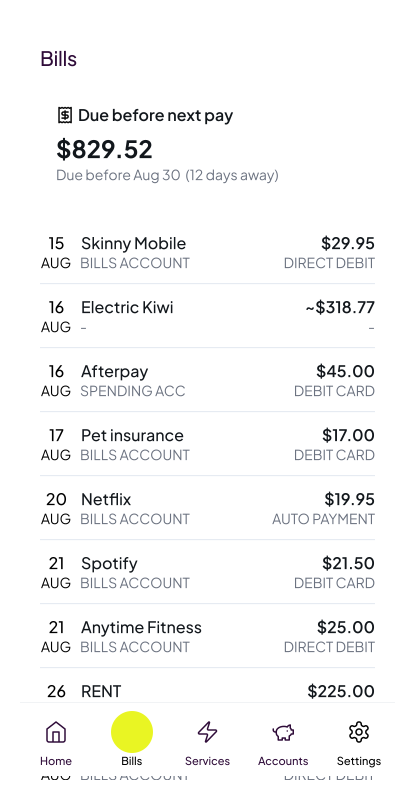
- Predict upcoming costs and see how much to put aside
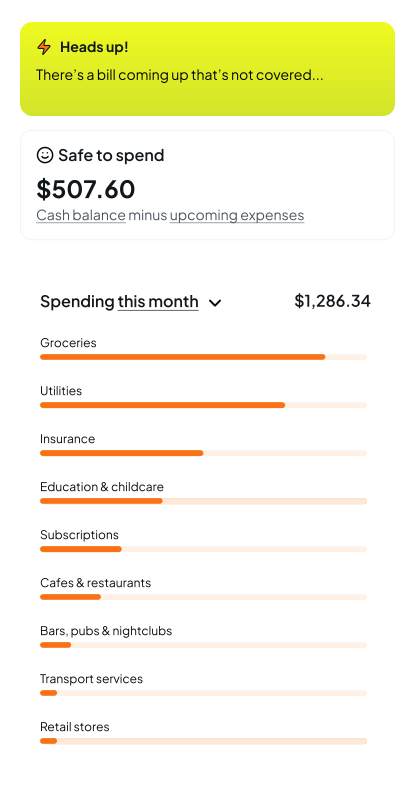
- Know what you can safely spend
Automated budgeting powered by bank feeds
Smoothy uses secure bank feeds to analyse your transactions and create a personalised budgeting plan that’s always up to date. Bank feeds are a safe and secure way for you to authorise your bank to share your financial data with accredited financial services providers, via New Zealand’s new, open banking system. Open banking is regulated by the government, supported by all major New Zealand banks, and used by apps like Sharesies, Simplicity, Sorted, PocketSmith & Xero.
Learn more about open banking & security
Getting set up
It takes less than 5 minutes to sign up and connect bank feeds. You can also see a demo household in the Smoothy app once you sign up.
1. Create Smoothy account
To create a Smoothy account and view demo data, you only need to enter your email address and an email verification code. (You’ll complete further security steps when you’re ready to connect your bank feeds.)
2. Connect bank feeds
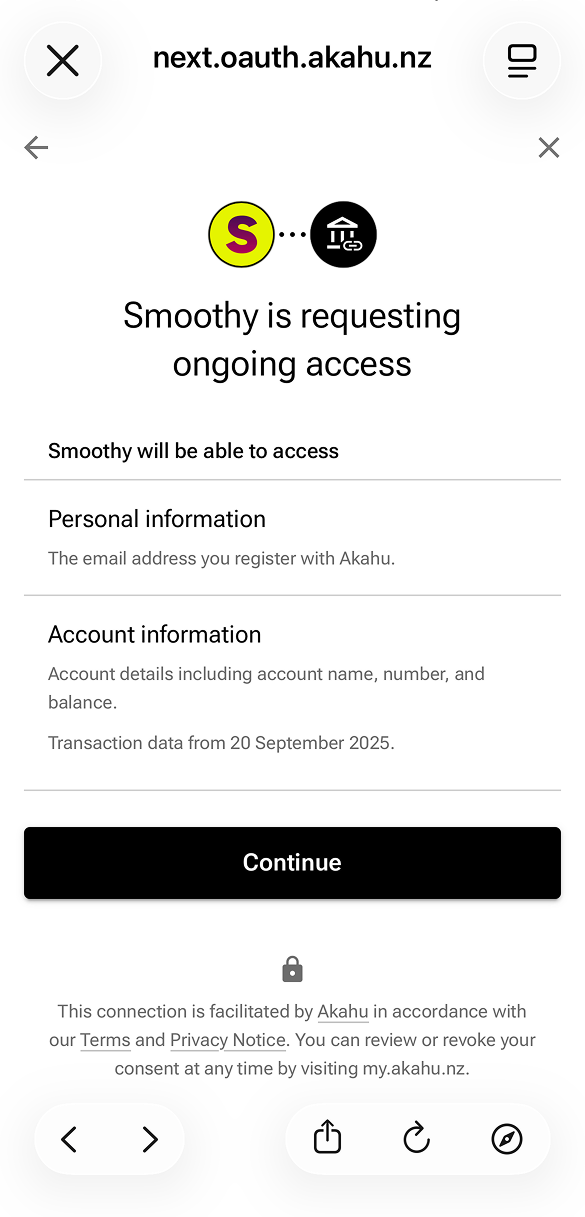
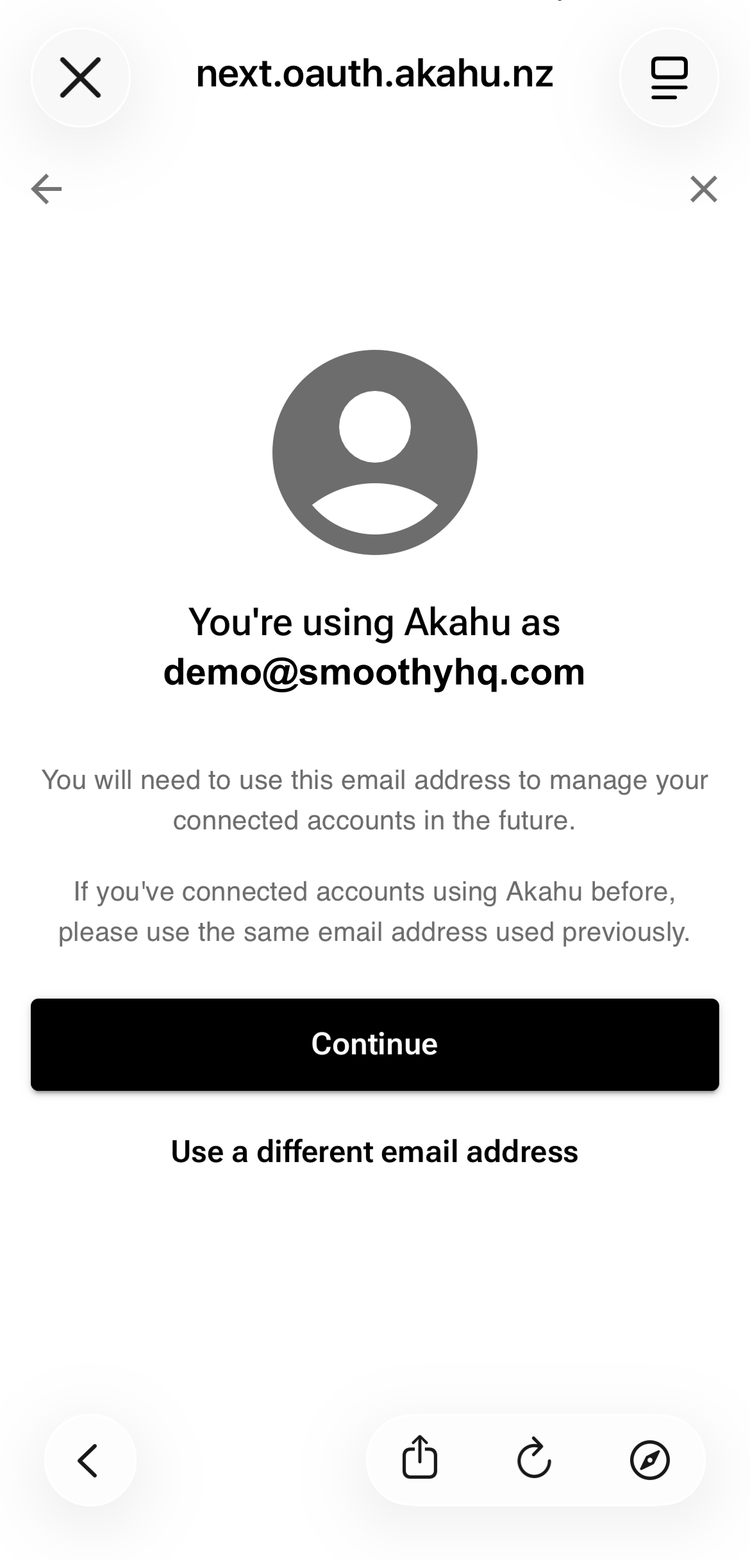
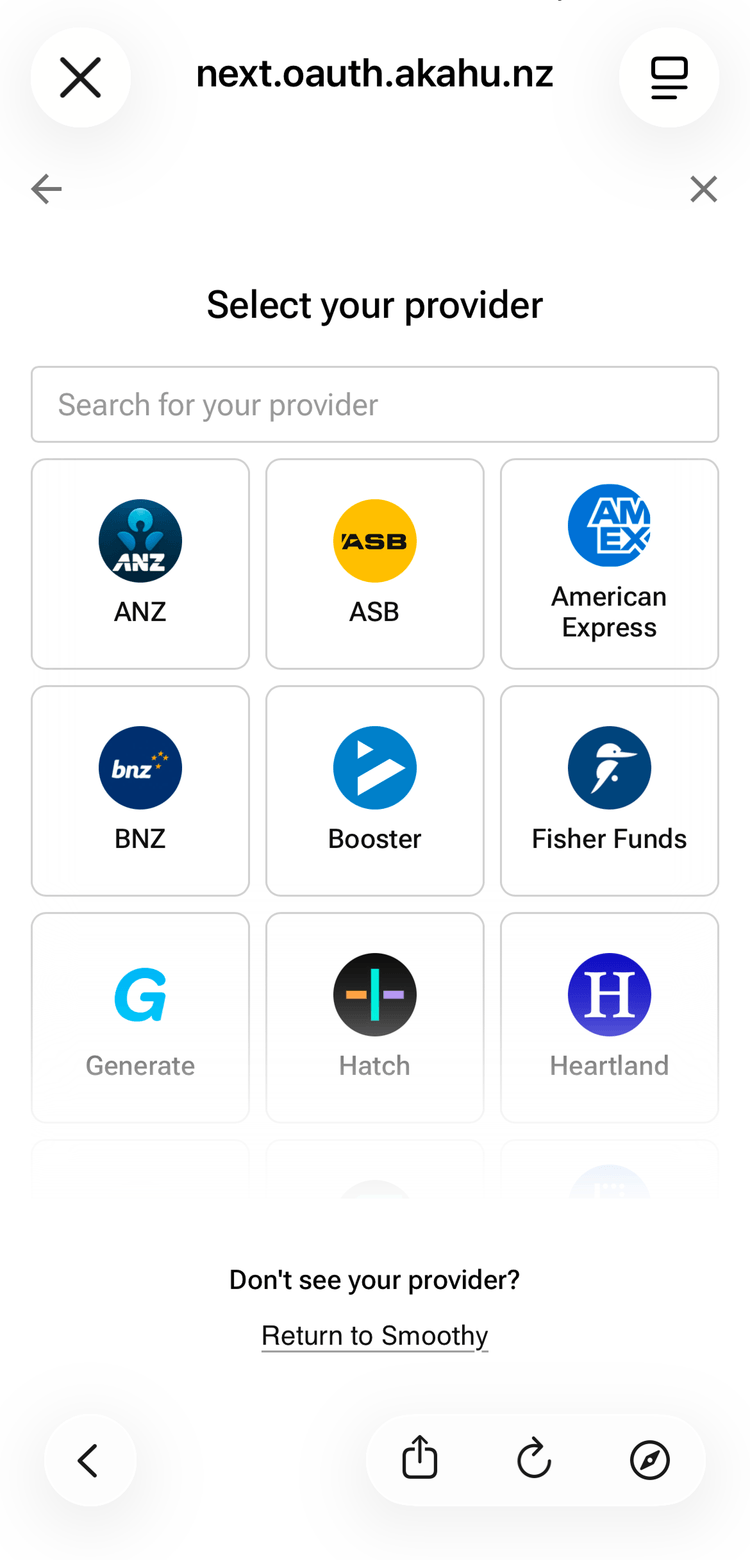
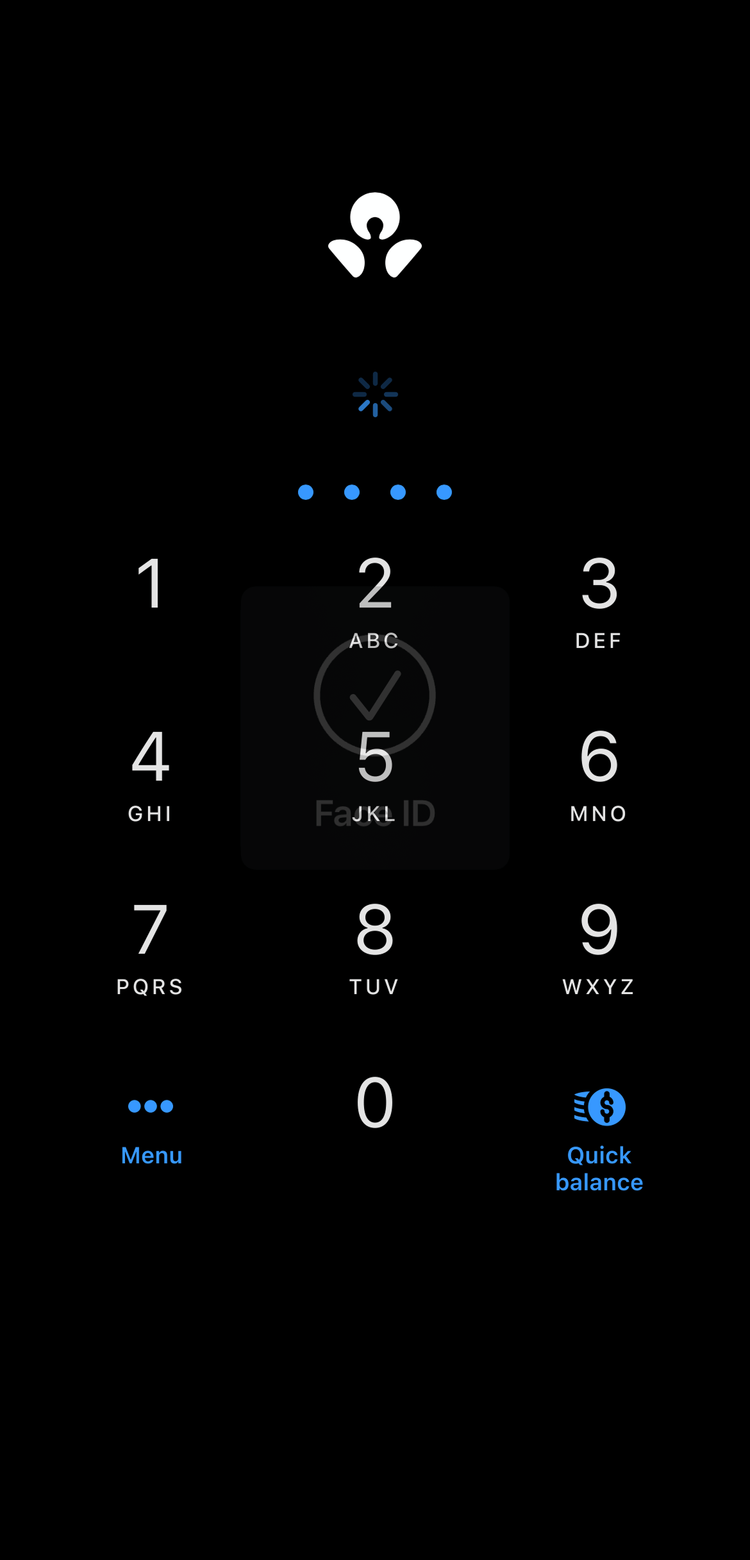
We use Akahu, New Zealand’s most widely used open finance provider to provide secure bank feeds.
- Verify your email address with Akahu
- Choose which bank accounts you’d like to connect
- Authorise bank feeds through your mobile banking app
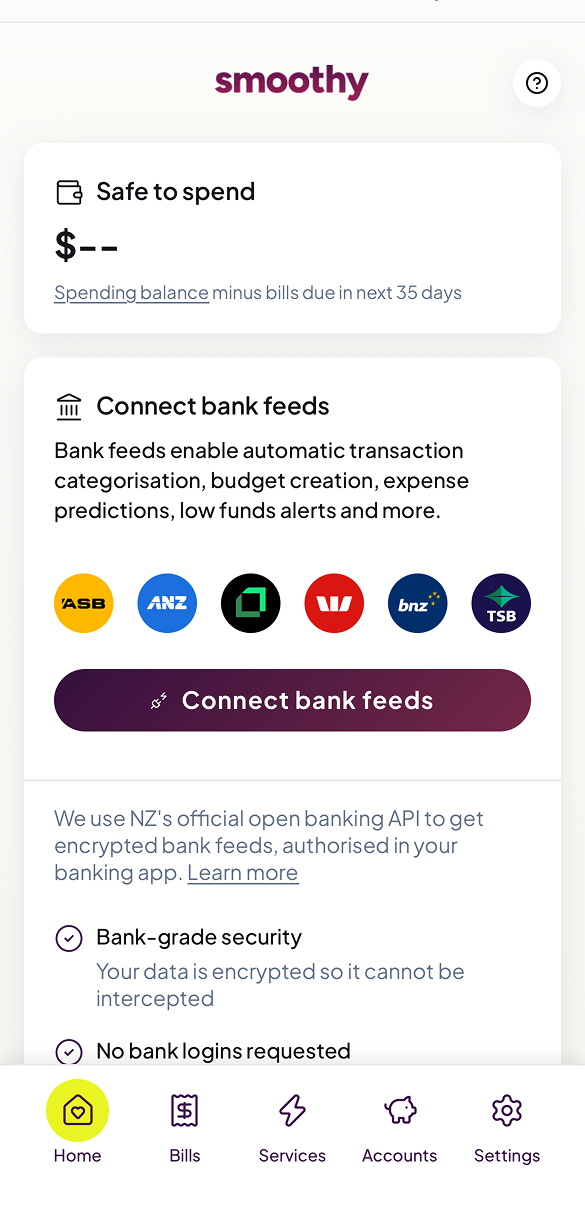
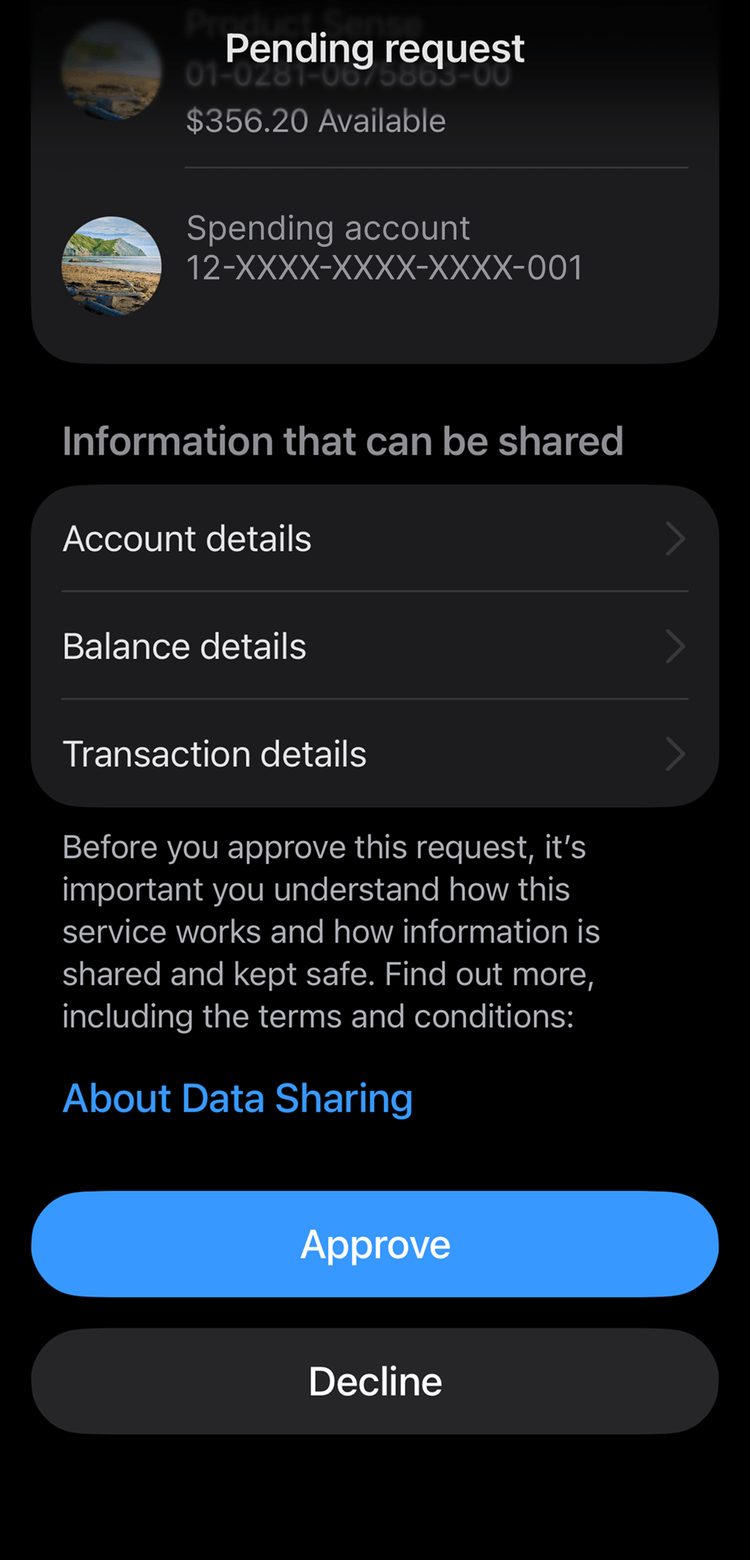
TIP: Smoothy gives you the most accurate plan when you connect all the bank accounts and credit cards you use regularly, but you can always add more later. You can connect many KiwiSaver and other investment accounts like Sharesies too.
3. Add pay day info (optional)
Smoothy organises all your costs into ‘time buckets’ that sync with your pay cycle — it’s a big part of how Smoothy makes managing money easier, so give it a go if you have a regular pay cycle.
TIP: Save Smoothy to your home screen to make it easier to come back to, or sign in at smoothy.nz/sign-in. Native iPhone and Android apps with biometrics like Face ID are on the way!
TIP: Smoothy is a web app that works on both mobiles and laptops. Add Smoothy to your homescreen on your mobile for easy access. Native mobile apps with Face ID and passkeys are on the way :-).
Managing recurring expenses
Smoothy finds all your recurring expenses including subscriptions, utility bills, insurance plans and debt repayments. You’ll see a list of the bills and service providers you pay regularly, if there are any you don’t consider recurring expenses, you can exclude them and they won’t be considered recurring expenses going forward.
Once your transactions have been analysed the first time (it shouldn’t take longer than 5 minutes) you’re good to go!
Troubleshooting
Very occasionally there are issues with the bank feeds on the bank’s side, and transactions don’t load or accounts have to be reconnected. Follow the instructions in the app to refresh connections and it should be easily resolved. Any problems, contact support@smoothy.nz.